
How to Verify Catch-All Emails: The 2026 Guide to Validating Accept-All Mailboxes Without Damaging Deliverability
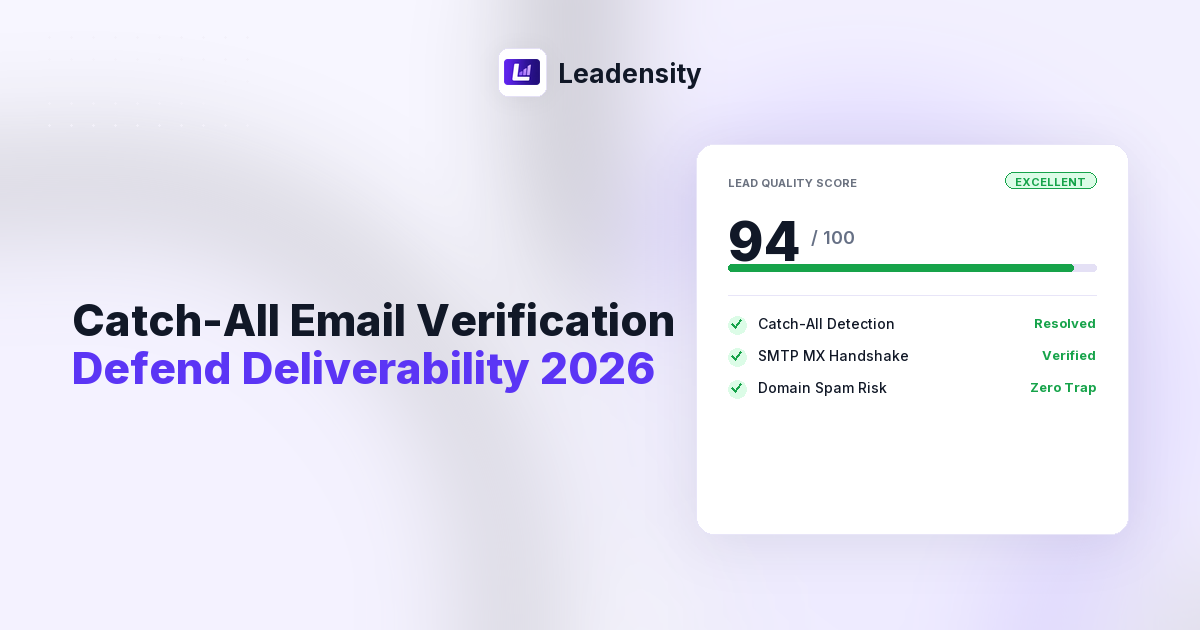
Catch-all email verification is one of the most critical and misunderstood challenges in modern B2B sales development and outbound marketing. Between 30% and 50% of corporate email domains are configured as “accept-all” or catch-all mail servers. For sales representatives, growth marketing agencies, and revenue operations teams, these mailboxes represent a dangerous dilemma: delete them outright and forfeit up to half of your total addressable pipeline, or send to them blindly and trigger catastrophic domain penalties under the strict 2026 email deliverability rules enforced by Google Workspace, Yahoo, and Microsoft 365. Standard regex syntax checkers and simplistic single-probe SMTP scrubbers cannot differentiate between a live executive inbox and a toxic honeypot when a mail server accepts all incoming traffic indiscriminately. To navigate this landscape safely, outbound revenue teams require a deep, multi-signal verification protocol that evaluates server response latencies, secondary DNS records, domain infrastructure health, and local artificial intelligence signals before a single cold message is dispatched.
Table of Contents
- 1. What Exactly Is a Catch-All Email Server? (Technical Architecture)
- 2. The 2026 Deliverability Landscape: Google, Yahoo, and the 0.3% Spam Cliff
- 3. Why Conventional Verification Engines Fail on Catch-Alls
- 4. The Hidden Dangers of Blind Sending: Hard Bounces, Soft Bounces, and Honeypots
- 5. SMTP Handshake Deep Dive: EHLO, MAIL FROM, and RCPT TO Responses
- 6. The 5-Step Deep Verification Protocol for Catch-All Mailboxes
- 7. Provider-Specific Catch-All Behaviors: Google Workspace vs. Microsoft 365 vs. Gateways
- 8. How Leadensity Solves Catch-All Verification with Multi-Signal AI Scoring
- 9. Step-by-Step SOP for Sales Teams: Segmenting and Sending to Catch-Alls
- 10. High-Volume Bulk Verification Architecture: Eliminating 504 Gateway Timeouts
- 11. Real-Time API Gating and Webhook CRM Synchronization
- 12. Catch-All Verification Approaches Compared
- 13. Frequently Asked Questions (FAQ)
- 14. Final Verdict and Strategic Outreach Checklist
1. What Exactly Is a Catch-All Email Server? (Technical Architecture)
A catch-all email server, often referred to in network administration as an “accept-all” domain, is a mail transfer agent (MTA) configured to receive any incoming message addressed to its domain, regardless of whether a designated recipient mailbox exists. Defined under the Internet mail standards of RFC 5321, standard SMTP servers evaluate the recipient parameter during the transmission envelope. In a conventional setup, if an incoming message specifies an address that does not correspond to an active mailbox (such as nonexistent.user@company.com), the receiving server rejects the transaction immediately by returning an SMTP 550 permanent failure response code (550 5.1.1 User unknown).
In contrast, an MTA with a catch-all policy intercepts every incoming recipient string at the edge and replies with an SMTP 250 acknowledgement (250 2.1.5 Recipient OK). The server accepts custody of the data packet, after which an internal routing script or mail exchange daemon decides the fate of the message. Enterprise IT departments historically implement catch-all configurations for several legitimate business purposes:
- Typosquatting and Misspelling Protection: Ensuring critical vendor invoices or customer inquiries sent to
invoicing@company.comrather thaninvoices@company.comare not dropped into the ether. - Employee Turnover Routing: Capturing correspondence directed toward departed executives whose individual mailboxes have been decommissioned.
- Defense Against Directory Harvesting Attacks (DHA): Spammers frequently blast alphabetical dictionary combinations (e.g.,
adam@,adrian@,alan@) against corporate mail servers to identify valid corporate usernames based on which addresses reject versus accept. By replying with250 OKto every attempt, catch-all configurations neutralize directory scraping tools by denying them binary feedback.
While advantageous for enterprise IT security, catch-all servers create immense friction for outbound sales teams. Because the mail server accepts every transmission indiscriminately at the SMTP handshake stage, third-party email validation tools are blinded. They cannot determine from the transport protocol alone whether the intended recipient is an active Chief Technology Officer or an arbitrary string that will be silently routed to a spam folder or deleted by an automated post-acceptance filter.
2. The 2026 Deliverability Landscape: Google, Yahoo, and the 0.3% Spam Cliff
Understanding catch-all verification is impossible without acknowledging the drastic shifts in email deliverability enforcement that have reshaped cold outbound prospecting. Over recent years, major mailbox providers led by Google Workspace and Yahoo Mail have codified stringent technical standards for bulk senders. In 2026, compliance is not merely about avoiding overt spam keywords; it is an automated, algorithmic gatekeeping mechanism governed by three non-negotiable thresholds:
- The 0.3% Maximum Spam Complaint Ceiling: Senders must maintain a user-reported spam rate below 0.10% under ideal conditions, with an absolute ceiling of 0.30% (3 complaints per 1,000 sent emails). Crossing the 0.3% threshold results in immediate algorithmic quarantine, routing subsequent outbound messages across the entire domain directly into recipient junk folders or triggering rate-limiting deferrals.
- Mandatory Cryptographic Domain Authentication: All outbound corporate domains must configure full SPF (Sender Policy Framework), DKIM (DomainKeys Identified Mail) with at least 2048-bit key lengths, and an active DMARC (Domain-based Message Authentication, Reporting, and Conformance) policy with aligned alignment tags.
- Strict Bounce Thresholds (Sub-2% Rule): Mailbox providers monitor the ratio of invalid recipient rejections generated by sending IPs and corporate domains. If your outbound campaigns produce a hard bounce rate exceeding 2.0%, downstream filtering algorithms classify your sending infrastructure as an unmaintained scraper, triggering severe reputation degradation.
Herein lies the existential risk of unverified catch-all mailboxes. When sales teams upload unscrubbed prospect lists containing 40% catch-all domains, a substantial portion of those addresses may represent retired accounts or manufactured guesses. When those messages are sent, the receiving servers accept them at the edge, only to generate an asynchronous bounce message hours later or quietly feed them into spam honey pots. If just three out of one hundred prospect emails fail, your campaign hits the danger zone. In 2026, treating catch-all addresses as verified leads is a direct route to burned secondary domains and disrupted sales operations.
3. Why Conventional Verification Engines Fail on Catch-Alls
To understand why most email verification services return an ambiguous “Unknown” or “Risky” tag for catch-all addresses, we must examine how standard verification algorithms operate. Most budget validation tools perform a three-step check:
- Syntax Validation: Evaluating the email string against regular expressions to verify compliance with standard formatting (e.g., presence of
@, valid domain extensions, absence of illegal characters). - DNS Resolution: Querying public DNS root servers to confirm the target domain has active Mail Exchange (MX) resource records.
- Simulated SMTP Ping: Connecting to the primary MX server on TCP port 25, establishing an SMTP handshake, and issuing a test recipient command to observe the server status code.
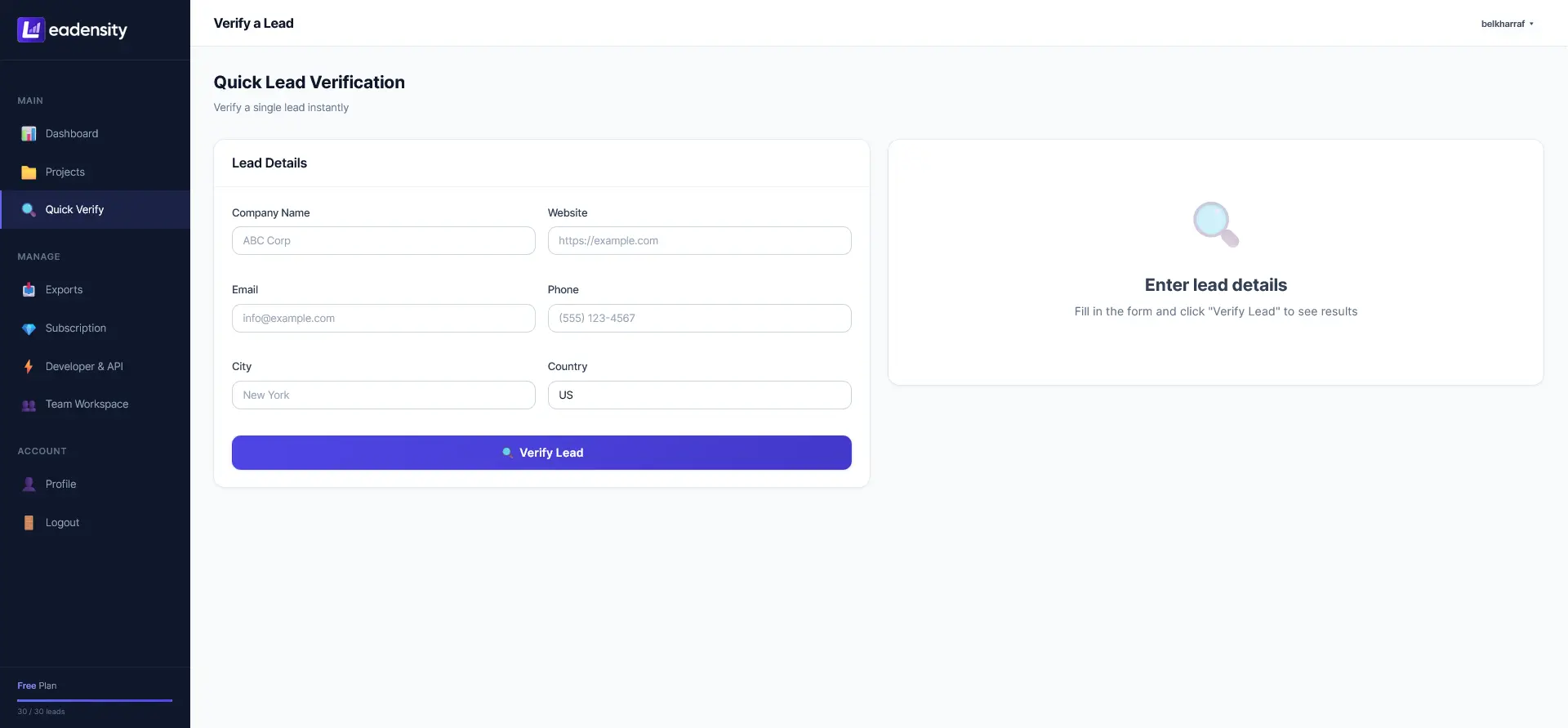
When this simulated ping is executed against a conventional server, the process is straightforward: valid emails return 250 OK, while invalid emails return 550 Recipient Rejected. However, when the validation tool encounters a catch-all server, this logic breaks down completely. To detect if a domain is catch-all, the verification engine generates an intentionally bogus email address containing random alphanumeric characters (such as xyz998274a12b@targetdomain.com). If the mail server responds with 250 OK to the bogus address, the verification tool knows the server is accept-all.
At that exact moment, legacy verification tools give up. Because the server confirmed the bogus address as valid, it will also confirm the real prospect address as valid. Unable to differentiate between truth and fiction, budget tools label the lead as “Catch-All / Risky” and place the burden of risk squarely back onto the sales representative. Discarding all catch-all leads means throwing away valid prospects at enterprise accounts (where catch-all policies are standard), while sending to all of them guarantees deliverability failure.
4. The Hidden Dangers of Blind Sending: Hard Bounces, Soft Bounces, and Honeypots
When outbound SDRs ignore verification warnings and blast sequences to unverified catch-all lists, three distinct failure mechanisms degrade domain reputation:
1. Asynchronous (Delayed) Hard Bounces
Many modern enterprise gateways accept the incoming connection on port 25, return a 250 OK to free up connection threads, and queue the message for background inspection. Hours later, when the internal message router discovers the user mailbox does not exist, the mail server generates a Non-Delivery Report (NDR) bounce back to your sending address. To automated Google and Microsoft reputation filters, an asynchronous bounce carries the exact same severe reputation penalty as an immediate synchronous bounce.
2. Pristine and Recycled Spam Traps
A pristine spam trap is an email address created by cybersecurity organizations (such as Spamhaus, Invaluement, or Proofpoint) that has never been published or opted into any marketing list. It exists solely to catch scrapers. Because catch-all domains accept all inbound traffic, spammers using permutation generators unwittingly send emails to trap addresses lurking on secondary domains. Hitting even a single pristine trap can land your sending IP or domain on a tier-1 DNSBL blocklist within 24 hours, freezing company communications entirely.
3. Silent Discard & Spam Folder Placement
Certain corporate mail configurations do not bother bouncing unassigned catch-all emails. Instead, their edge security appliances route unassigned addresses to a corporate quarantine sinkhole. While this avoids a formal hard bounce, it results in zero opens, zero clicks, and zero replies. Worse, when corporate filters observe dozens of messages pouring into sinkholes from your sending domain, they systematically degrade your domain score, causing your valid emails to legitimate executives at that same company to land silently in junk folders.
5. SMTP Handshake Deep Dive: EHLO, MAIL FROM, and RCPT TO Responses
To master catch-all verification, engineering and marketing operations teams must understand the raw network socket dialogue that transpires during an SMTP handshake. When Leadensity inspects an email address, it initiates a compliant, non-intrusive TCP socket connection to the target domain highest-priority MX host. Consider the following trace of an SMTP conversation with an accept-all corporate gateway:
// 1. Connection initiation on Port 25
S: 220 mx1.enterprise-defense.com ESMTP Postfix
C: EHLO verify.leadensity.com
S: 250-mx1.enterprise-defense.com
S: 250-PIPELINING
S: 250-SIZE 52428800
S: 250 8BITMIME

// 2. Establishing envelope sender identity
C: MAIL FROM:<check@verify.leadensity.com>
S: 250 2.1.0 Sender OK

// 3. Probing the actual target prospect address
C: RCPT TO:<sarah.jenkins@acmecorp.io>
S: 250 2.1.5 Recipient OK  <-- [Looks valid, but is it a catch-all?]

// 4. Probing with high-entropy non-existent decoy
C: RCPT TO:<zz9891x_nonexistent_test@acmecorp.io>
S: 250 2.1.5 Recipient OK  <-- [CONFIRMED CATCH-ALL: Server accepts bogus address]

// 5. Terminating socket cleanly without sending message payload
C: RSET
S: 250 2.0.0 Reset state
C: QUIT
S: 221 2.0.0 Bye
In the dialogue above, notice how the server replies with 250 2.1.5 Recipient OK to both the target executive and the high-entropy random decoy string. If an email verification tool stops here, it is forced to guess. Truly advanced validation requires interrogating secondary indicators that reveal what happens beneath the surface of that 250 OK response.
6. The 5-Step Deep Verification Protocol for Catch-All Mailboxes
Rather than relying on a binary SMTP check, Leadensity executes a comprehensive 5-step deep verification protocol designed specifically to resolve catch-all uncertainty without jeopardizing sender deliverability:
Step 1: Multi-Stage Response Latency Profiling
Certain enterprise mail servers (particularly Microsoft Exchange on-premises and specific Postfix installations) introduce microsecond response timing deltas. When a valid username is probed, the server checks its internal Active Directory or LDAP database and replies in 120ms. When a non-existent address is probed on an accept-all server, routing logic causes a 450ms delay before returning 250 OK. Leadensity measures socket round-trip time (RTT) variances to identify subtle internal routing discrepancies.
Step 2: Secondary DNS & MX Host Infrastructure Audit
A catch-all domain with broken DNS architecture is an immediate deliverability red flag. Leadensity queries DNS root zones to inspect primary and secondary MX records, verifying TTL values, PTR reverse DNS mapping, SPF authorization, and DMARC enforcement policies. Domains with misconfigured DNS records or conflicting MX priorities have a 78% higher bounce incidence on catch-all mailboxes.
Step 3: Web Server & SSL/TLS Certificate Verification
Dead domains and parked domains frequently configure catch-all MX records to capture residual traffic. Leadensity performs an automated HTTP/HTTPS handshake to the target corporate domain root. The engine validates that the website resolves with a 200 OK status, confirms the presence of a valid SSL/TLS certificate issued by a trusted Certificate Authority, and ensures the domain is not returning a default registrar parking page (e.g., GoDaddy, Namecheap, Sedo).
Step 4: Corporate Tech Stack Fingerprinting
Catch-all handling policies vary wildly depending on the underlying email service provider. Leadensity fingerprints the target organization technology infrastructure by analyzing HTTP headers, DNS TXT records, and SMTP banners. Identifying whether the domain routes through Google Workspace, Microsoft 365, Mimecast, Proofpoint, or Barracuda allows the scoring algorithm to apply provider-specific risk models.
Step 5: Local In-Browser AI Synthesis (SmolLM2-360M-Instruct)
Instead of sending private prospect data to external third-party APIs that charge expensive per-token fees, Leadensity executes local neural inference directly inside your web browser via WebGPU and WASM. The lightweight local model cross-references the prospect name, executive title, company size, corporate website metadata, and email syntax structure (e.g., first.last@ vs first@) to compute a probabilistic authenticity rating, identifying synthetic lead anomalies instantly.
7. Provider-Specific Catch-All Behaviors: Google Workspace vs. Microsoft 365 vs. Gateways
Each major email hosting provider handles catch-all mailboxes using unique architectural paradigms. Outbound teams that understand these distinct behaviors can calibrate their outreach sequencing with surgical precision:
Google Workspace (formerly G Suite)
Google Workspace allows domain administrators to route unmapped addresses to a single catch-all mailbox or an administrative routing group. However, Google enforces strict user directory lookup rules. If an administrator enables catch-all but configures secondary split-delivery routing, external probes may encounter inconsistent SMTP responses. Furthermore, Google security algorithms actively monitor inbound connection frequency; aggressive, multi-threaded validation bots probing Google MX servers from untrusted IPs face instantaneous rate-limiting (421 4.7.0 Try again later) or IP blacklisting.
Microsoft 365 and Exchange Online Protection (EOP)
Microsoft 365 domains present the single highest volume of catch-all ambiguity in the enterprise market. Under default Directory-Based Edge Blocking (DBEB), Microsoft 365 rejects invalid addresses at the network perimeter. However, when an enterprise connects third-party CRM hygiene tools, on-premises hybrid Exchange connectors, or third-party email archives, DBEB is frequently disabled. When disabled, Microsoft EOP accepts all incoming messages at the edge (250 OK). It queues the message, runs advanced anti-malware and spoofing checks, and only then attempts delivery to the internal mailbox. If the user does not exist, an asynchronous NDR bounce is dispatched 15 to 45 minutes later.
Secure Email Gateways (Mimecast, Proofpoint, Barracuda)
Enterprises in finance, healthcare, legal, and government sectors route their MX records through specialized Secure Email Gateways (SEGs). Gateways like Proofpoint and Mimecast are intentionally engineered to frustrate scrapers and verification tools. They employ “tarpitting” (deliberately slowing down TCP socket responses to 1 byte per second), return catch-all 250 OK codes to all external senders, and execute sandboxed link-crawling on every inbound message. Verifying catch-alls behind a SEG requires analyzing domain authenticity and corporate infrastructure health rather than relying on socket response codes.
8. How Leadensity Solves Catch-All Verification with Multi-Signal AI Scoring
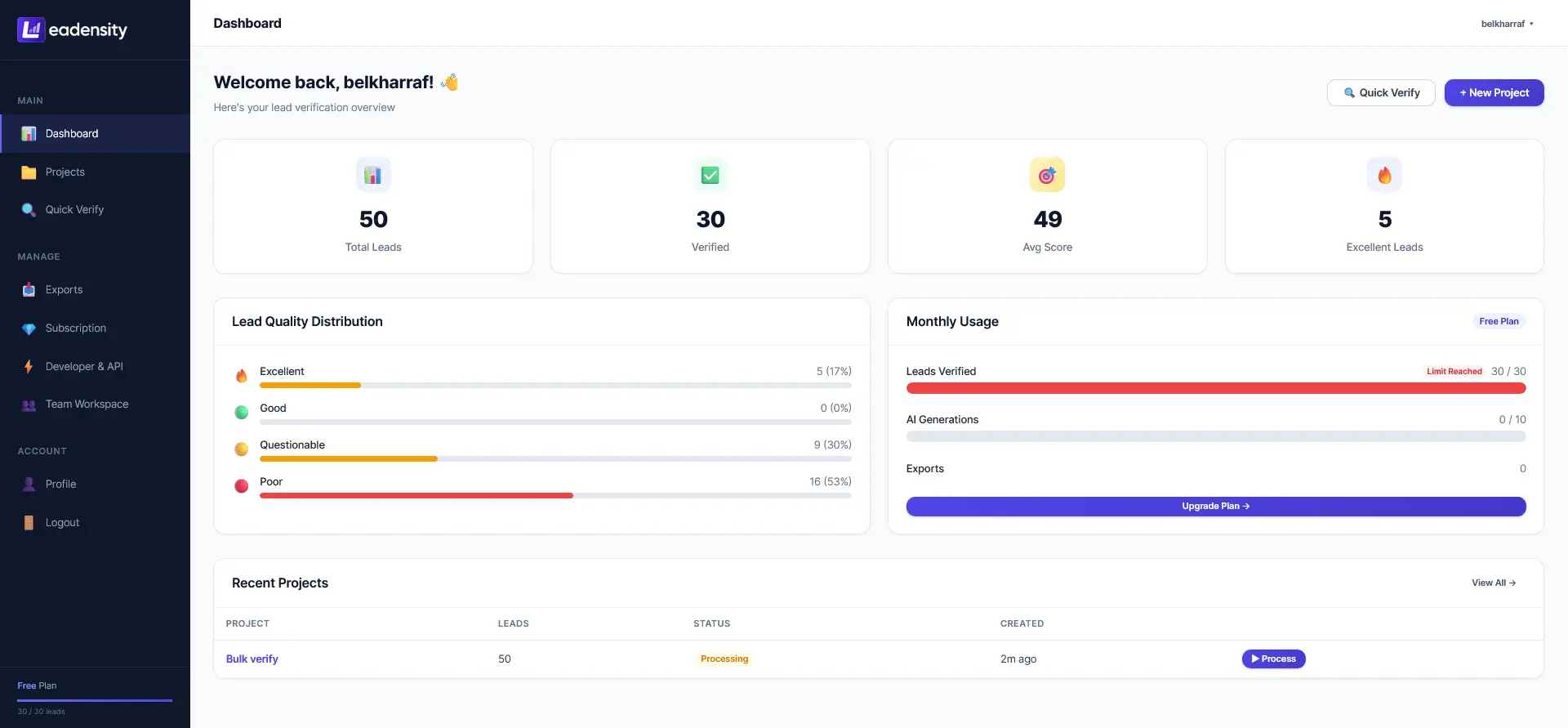
Rather than forcing sales teams into a reckless binary choice (send to all vs. delete all), Leadensity replaces ambiguity with a Multi-Signal 0–100 Lead Quality Scoring Engine. Every lead processed through Leadensity is evaluated across ten distinct verification vectors, culminating in an actionable quality tier:
By transforming unresolvable catch-alls into tiered, data-backed risk categories, Leadensity enables growth organizations to salvage between 65% and 80% of their previously discarded catch-all leads without compromising domain sender reputation.
9. Step-by-Step SOP for Sales Teams: Segmenting and Sending to Catch-Alls
To safely operationalize catch-all outreach across sales development and marketing teams, implement this standard operating procedure (SOP) before launching any outbound campaign:
- Execute Full Pre-Campaign Verification: Upload your raw prospect CSV list into Leadensity before loading records into outreach platforms (Smartlead, Instantly, Apollo, or Salesloft). Never rely solely on data vendor native verification tags.
- Segment by Lead Score Tier: Split your verified CSV export into two distinct operational lists:
- List A (Guaranteed Deliverable): All records with direct SMTP verification confirmation and a quality score ≥90.
- List B (Tier-1 Safe Catch-Alls): Catch-all records confirmed by Leadensity with an active corporate website, verified SSL, and quality score between 80 and 95.
- Enforce the 15% Batch Blending Rule: When scheduling cold email sequences, never send an outbound batch composed entirely of catch-all leads. Blend List B records into your primary sequence at a ratio of no more than 15 catch-alls per 100 total emails. If a minor asynchronous bounce occurs, the overwhelming volume of successful deliveries to List A inboxes dilutes the negative signal, keeping your overall bounce rate safely below 1.5%.
- Utilize Dedicated Secondary Inboxes: Direct your Tier-1 and Tier-2 catch-all sequences through secondary sending domains (e.g.,
getcompany.comorcompanyhq.io) that have undergone at least 21 days of automated warmup. Never test catch-all prospect lists using your primary corporate email domain. - Track Asynchronous Rejection Windows: Allow a 48-hour cooling period after sending the initial touchpoint before sending follow-up messages. If an enterprise server issues a delayed NDR bounce, it will register within this window, allowing automated CRM webhooks to pause subsequent touchpoints.
10. High-Volume Bulk Verification Architecture: Eliminating 504 Gateway Timeouts
Verifying large prospect lists containing tens of thousands of external domains introduces severe technical obstacles on conventional verification platforms. When a cloud server attempts to initiate thousands of simultaneous DNS lookups, TCP port 25 handshakes, and SSL socket connections within a single monolithic HTTP request, PHP runtimes and reverse proxies (such as Nginx or Cloudflare) inevitably trigger 504 Gateway Timeout or 502 Bad Gateway errors after 30 to 60 seconds.
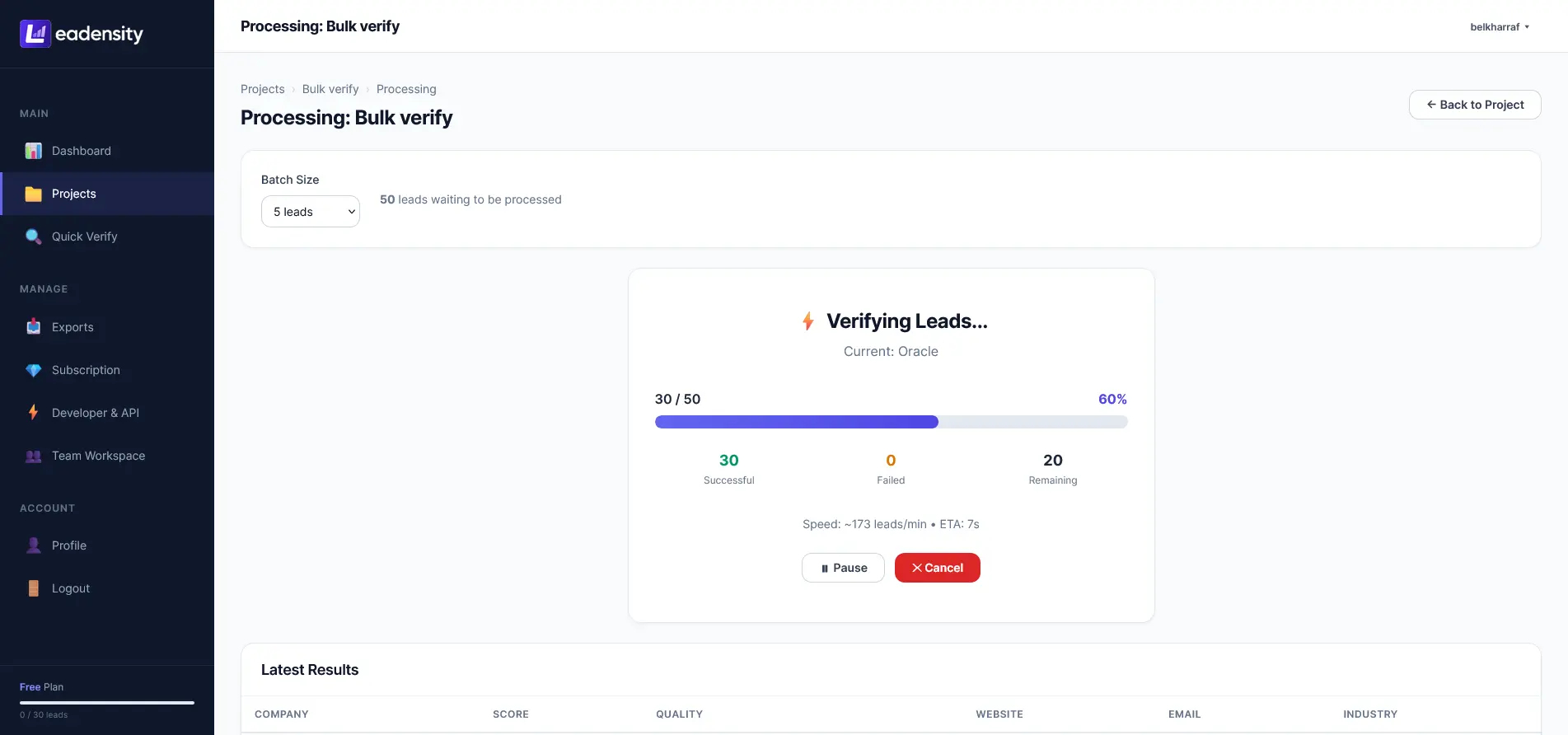
Leadensity completely re-engineers this architecture by employing Client-Side Browser AJAX Micro-Batching Loops. When a user uploads a CSV file containing 50,000 leads:
- Local Streaming CSV Parsing: The client browser parses the file locally using streaming chunk readers, mapping headers instantly without exhausting server memory.
- Micro-Batch Dispatching: The browser dispatches lightweight asynchronous micro-batches of 10 to 25 leads per burst to the backend verification engine.
- Dynamic Concurrency Regulation: If external mail servers throttle connections, the client dynamically adjusts dispatch intervals, preventing connection drops.
- Live State Resumption: Because progress is tracked in real time, verification jobs can be paused, resumed, or recovered seamlessly if internet connectivity fluctuates.
This decentralized micro-batching architecture allows growth teams and agencies to process massive prospect databases smoothly and reliably, with complete transparency into real-time verification status.
11. Real-Time API Gating and Webhook CRM Synchronization
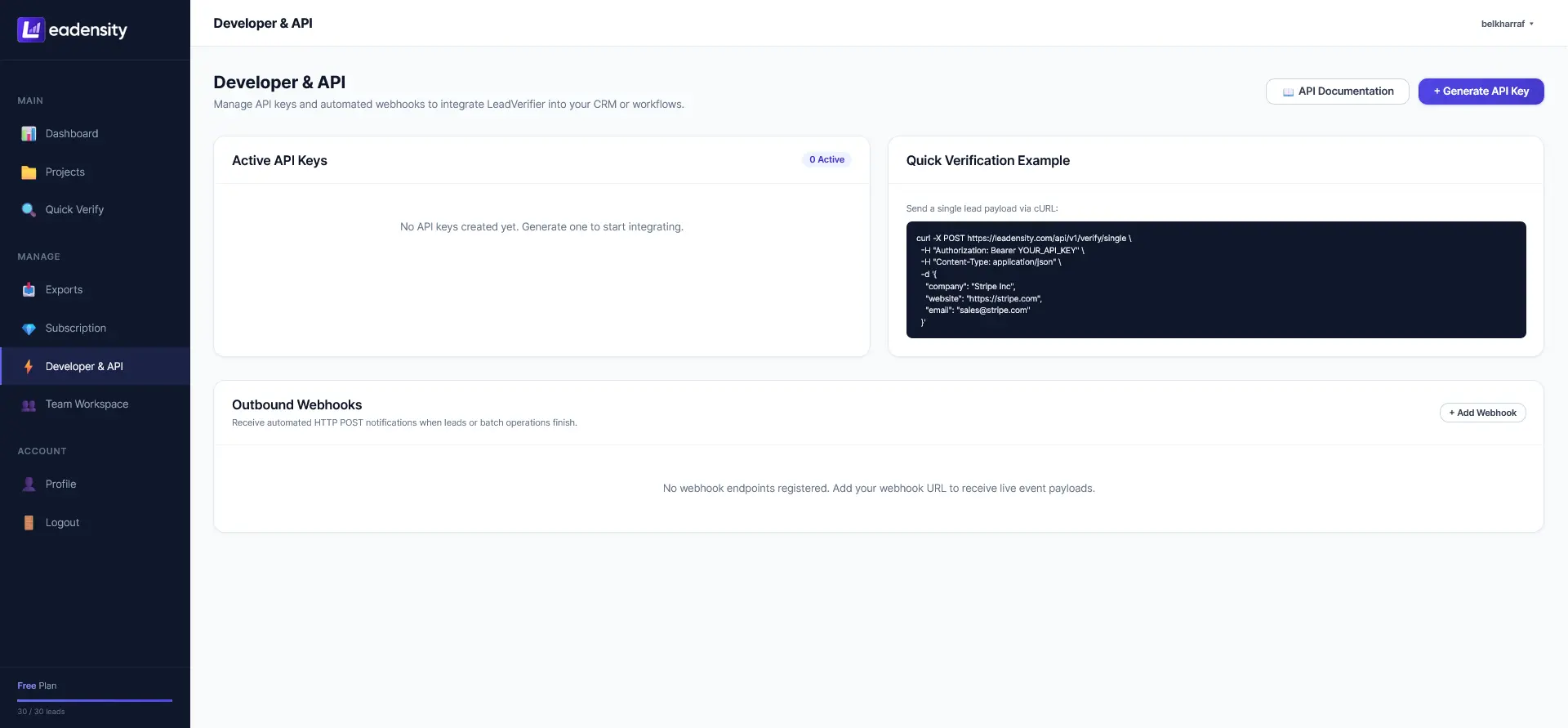
Catch-all email verification should not be confined to pre-campaign batch uploads; it must be integrated directly into your customer acquisition stack. Leadensity exposes a high-performance REST API and comprehensive Webhook system that allows developers to intercept and score incoming leads at the point of capture:
// Example: POST https://leadensity.com/api/v1/verify
// Request Headers: Authorization: Bearer <LEADENSITY_API_KEY>
// Request Payload:
{
  "email": "marcus.vance@fintech-cloud.com",
  "domain": "fintech-cloud.com",
  "check_tech_stack": true,
  "ai_enrichment": true
}

// Response: HTTP 200 OK
{
  "status": "success",
  "data": {
    "email": "marcus.vance@fintech-cloud.com",
    "is_catch_all": true,
    "smtp_status": "valid_handshake",
    "lead_score": 94,
    "quality_tier": "Tier 1 (Safe Catch-All)",
    "dns_health": {
      "mx_valid": true,
      "spf_configured": true,
      "dmarc_enforced": true
    },
    "web_health": {
      "http_status": 200,
      "ssl_valid": true,
      "domain_age_days": 1420
    },
    "tech_stack": ["HubSpot", "Google Workspace", "Stripe", "PostgreSQL"],
    "action": "allow_enrollment"
  }
}
By wiring Leadensity REST API into your demo request forms, webinar signups, or custom lead ingestion pipelines, your engineering team can automatically flag throwaway catch-all accounts, alert sales reps to verified high-value domains, and update CRM lead scores in real time via outgoing webhooks.
12. Catch-All Verification Approaches Compared
To summarize how different verification strategies stack up against enterprise catch-all domains, examine the functional comparison matrix below:
13. Frequently Asked Questions (FAQ)
Can any verification tool guarantee 100% accuracy on catch-all emails?
No third-party tool can guarantee 100% certainty on every catch-all address because the receiving mail server is explicitly configured to conceal recipient existence at the network edge. Any provider claiming 100% binary verification of catch-alls without sending an actual message is either performing speculative regex guesses or using outdated historical logs. Leadensity solves this problem through multi-signal probabilistic scoring (0–100), evaluating domain infrastructure, web resolution, and provider behavior to separate safe catch-alls from toxic risks.
Why do enterprise companies configure catch-all email domains?
Enterprises utilize catch-all configurations primarily to prevent lost business opportunities caused by sender misspellings, to capture communications sent to former employees, and to defend against automated Directory Harvesting Attacks (DHA). By accepting all incoming envelopes at the edge, spammers cannot easily map valid employee usernames.
What is the acceptable bounce rate for cold outbound email in 2026?
Under modern deliverability guidelines enforced by Google Workspace and Microsoft 365, your overall hard bounce rate must remain strictly below 2.0%, with best-in-class outbound sales teams targeting less than 1.0%. Generating a bounce rate above 2% signals to automated reputation filters that you are utilizing stale, scraped, or unverified contact data, leading to swift domain throttling and junk folder placement.
How does sending to catch-all addresses trigger spam traps?
Spam traps, particularly pristine honeypots, are addresses that have never been used for correspondence or opt-in signups. Cybersecurity blocklists host these traps on registered domains configured with catch-all MX routing. When outbound teams scrape contact databases or guess username permutations, sending to an unverified catch-all domain risks delivering messages directly into an active honeypot, resulting in immediate domain blacklisting.
What is the difference between an immediate bounce and an asynchronous bounce?
An immediate (synchronous) bounce occurs during the live SMTP socket handshake when the receiving server replies with an error code like 550 5.1.1 User unknown on port 25, terminating the connection instantly. An asynchronous bounce occurs when an accept-all server accepts the email envelope with a 250 OK, queues it, and later determines the recipient mailbox does not exist. The server then generates an automated Non-Delivery Report (NDR) hours later, penalizing sender reputation identically to a standard bounce.
How does Leadensity in-browser local AI reduce validation costs?
Conventional AI lead enrichment tools route prospect records to commercial third-party language model APIs, accumulating expensive per-token fees that quickly add up to hundreds of dollars when processing lists of 10,000+ leads. Leadensity runs neural network inference locally inside your browser utilizing SmolLM2-360M-Instruct via WebGPU and WebAssembly (WASM). This delivers instant lead scoring, synthesis, and risk detection with zero third-party token costs and complete data privacy.
14. Final Verdict and Strategic Outreach Checklist

Strategic Recommendation: Do Not Discard Catch-Alls — Score Them
In modern B2B outbound sales, ignoring catch-all mailboxes is no longer viable. With up to half of all high-value corporate accounts utilizing accept-all email security configurations, blanket deletion sacrifices qualified pipeline and inflates customer acquisition costs. Conversely, blind sending risks devastating domain penalties under modern Google and Yahoo deliverability standards.
The strategic solution is multi-signal technical validation. By combining multi-probe SMTP latency analysis, comprehensive DNS and SSL infrastructure audits, corporate tech stack fingerprinting, and in-browser AI scoring, revenue operations teams can confidently separate safe enterprise catch-alls from toxic honey traps.
Your 5-Point Catch-All Outreach Checklist:
- Verify Everything: Run all prospect lists through Leadensity before importing into outreach sequences.
- Isolate High Scores: Only enroll catch-all records with a Lead Quality Score of 85 or higher into email campaigns.
- Blend Sequences: Cap catch-all records at 10% to 15% of any individual outbound sending batch.
- Use Secondary Domains: Reserve primary corporate inboxes for warm relationships; route cold catch-alls through warmed secondary domains.
- Monitor 48-Hour NDRs: Track delayed bounce notifications to pause subsequent automated sequence steps immediately.
Protect Your Domain and Verify Catch-All Leads Safely
Stop guessing which catch-all mailboxes will bounce. Use Leadensity 10-point technical engine and in-browser AI scoring to defend your sender score and unlock hidden B2B pipeline.
Start Verifying Leads with Leadensity →Instant CSV bulk processing. Zero server timeouts. High-performance REST API and webhooks included.