
Building a Real-Time Lead Enrichment & Verification Pipeline: REST APIs, Webhooks, and Waterfall Logic
Building a real-time lead enrichment and verification pipeline is one of the highest-leverage engineering projects a B2B SaaS organization can undertake. In high-velocity sales environments, relying on manual CSV exports, asynchronous end-of-day spreadsheet cleanses, and fragmented third-party scrapers creates unacceptable sales latency. When an enterprise prospect requests a product demonstration or signs up for a trial, the first five minutes dictate conversion probability. Delaying outreach by hours while waiting for batch verification reduces meeting qualification rates by more than 300%. Conversely, routing raw, unvalidated form fills straight into Salesforce or HubSpot pollutes your customer relationship management (CRM) database with fake email addresses, spam honeypots, and unqualified consumer inboxes. In 2026, software engineers, RevOps architects, and growth hackers solve this challenge by deploying programmable, event-driven lead enrichment pipelines powered by high-throughput REST APIs, resilient webhooks, and waterfall enrichment logic. This technical blueprint walks through the complete architecture required to build a production-grade lead gating engine that validates deliverability, fingerprints software stacks, and scores leads in sub-second execution windows.
Table of Contents
- 1. Architectural Blueprint: Event-Driven Lead Ingestion and Gating
- 2. Designing Waterfall Enrichment for Incomplete Prospect Records
- 3. Leadensity REST API Specification: Endpoints, Schemas, and Headers
- 4. Production Implementation: Python Async Client with Exponential Backoff
- 5. Production Implementation: Node.js / TypeScript Microservice
- 6. Webhook Architecture: Event Handlers and Signature Verification
- 7. High-Throughput Bulk Processing: Eliminating 504 Gateway Timeouts
- 8. Bi-Directional CRM Synchronization: HubSpot, Salesforce, and PostgreSQL
- 9. Security, Rate Limiting, and Zero-Third-Party AI Token Privacy
- 10. In-House Scrapers vs. Legacy Data APIs vs. Leadensity
- 11. Frequently Asked Questions (FAQ)
- 12. Final Verdict and Developer Implementation Checklist
1. Architectural Blueprint: Event-Driven Lead Ingestion and Gating
Modern lead pipeline architecture must reconcile two conflicting priorities: high user experience speed on front-end forms and deep, asynchronous technical verification on the backend. If your registration form waits 8 seconds while backend servers perform MX lookups, TCP handshakes, and SSL certificate verification, prospective customers abandon the page. An event-driven architecture decouples the front-end submission event from deep verification:
- Capture Layer: The user submits a demonstration request or trial registration. The front-end issues a rapid client-side syntax validation and returns an immediate HTTP 201 Created acknowledgment to the user, redirecting them to an onboarding screen.
- Message Broker / Event Queue: The submission payload is pushed to an internal queue (RabbitMQ, Redis Streams, or AWS SQS) containing the lead email, IP address, company website, and metadata.
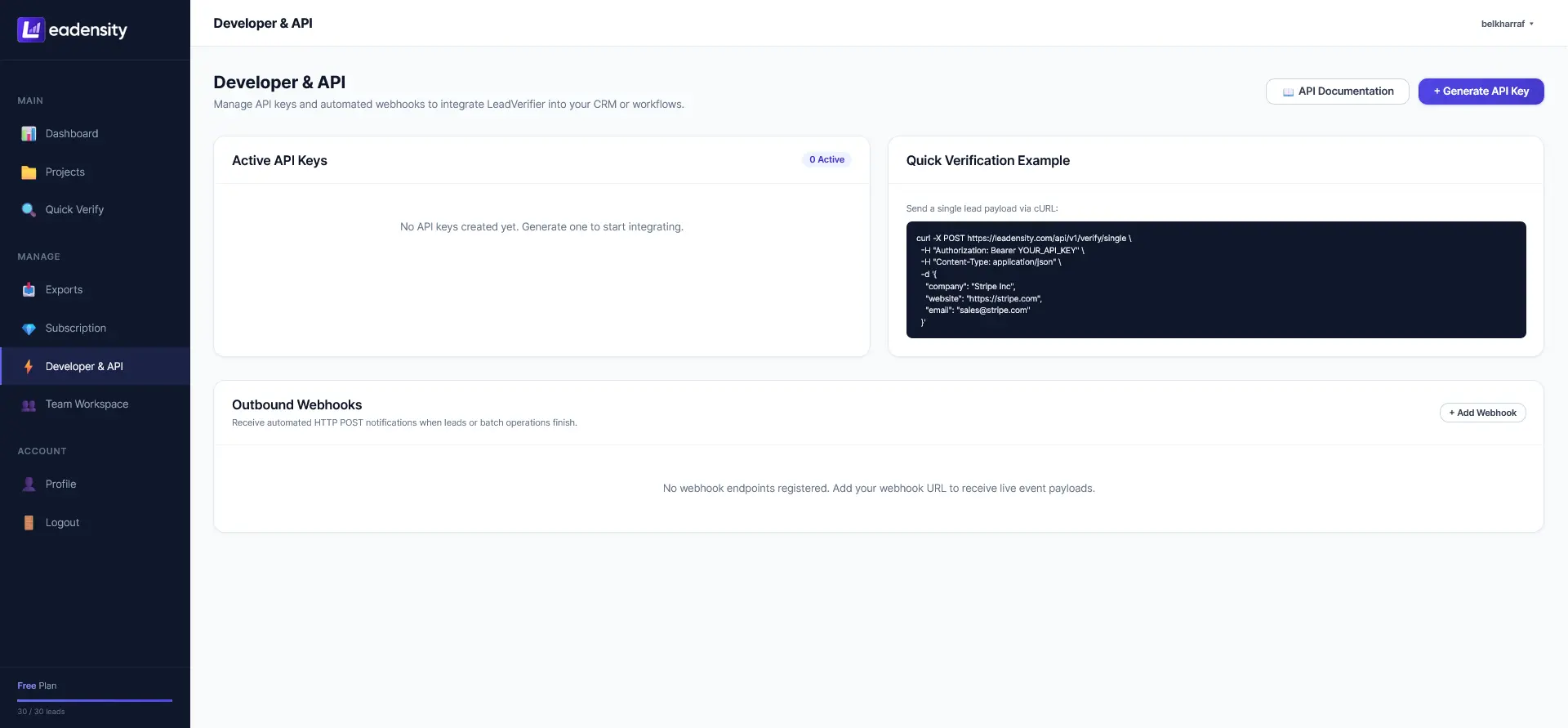
- Verification Worker: A background worker pulls the event and invokes the Leadensity REST API endpoint (
POST /api/v1/verify). - Deep Technical Audit: Leadensity evaluates DNS health, executes a live SMTP socket handshake, audits SSL/TLS certificate chains, fingerprints installed technographic software (e.g., Stripe, Shopify, HubSpot), and calculates an objective 0–100 Lead Quality Score.
- Routing & CRM Dispatch: If the lead scores ≥90 (Tier 1), a webhook triggers instantaneous assignment to an SDR in HubSpot with pre-populated company intelligence. If the lead scores <75, it is quarantined or routed to an automated educational nurture campaign.
2. Designing Waterfall Enrichment for Incomplete Prospect Records
In real-world data pipelines, inbound and scraped prospect records are frequently incomplete. A prospect may provide only a personal email address (john.doe@gmail.com) without a company website, or an SDR might scrape an executive name and LinkedIn URL without a verified direct email address. Waterfall enrichment is an algorithmic cascade that attempts to backfill missing attributes across a prioritized hierarchy of data sources without overspending API credits:
The 4-Stage Waterfall Enrichment Execution Sequence
- Stage 1 (Domain Extraction & Normalization): If an email domain is corporate (non-disposable, non-free provider), extract the root domain. Query DNS root servers for A and MX records. If the domain is parked or unresolving, terminate the waterfall early to conserve resources.
- Stage 2 (Primary Socket Verification): Execute a direct TCP port 25 SMTP handshake against the highest-priority MX host. If the mailbox is confirmed valid (
250 OK), proceed directly to technographic detection. - Stage 3 (Catch-All Resolution Cascade): If the server is identified as accept-all, trigger Leadensity secondary multi-probe latency analysis and web certificate audit. Cross-reference email syntax against known company naming conventions (e.g.,
first.last@company.com). - Stage 4 (Technographic & AI Synthesis): Pass the verified domain to the web fingerprinting engine. Identify installed software (CMS, CRM, analytics, payments) and execute local in-browser neural synthesis (`SmolLM2-360M-Instruct`) to generate ICP alignment ratings and tailored pitch hooks.
By implementing waterfall logic, engineering teams avoid paying commercial data vendors $0.20 to $0.50 per record for data points that can be determined programmatically via direct technical audits.
3. Leadensity REST API Specification: Endpoints, Schemas, and Headers
Leadensity provides clean, developer-friendly REST endpoints that adhere strictly to JSON API conventions. All requests require an API Bearer token generated within your Leadensity developer settings.
Endpoint: Verify and Enrich Single Prospect
POST https://leadensity.com/api/v1/verify
4. Production Implementation: Python Async Client with Exponential Backoff
Below is a production-grade Python script utilizing httpx and asyncio to process inbound leads asynchronously with built-in retry logic, token verification, and error handling:
import asyncio
import httpx
from typing import Dict, Any, Optional

class LeadensityPipelineClient:
    def __init__(self, api_key: str, base_url: str = "https://leadensity.com/api/v1"):
        self.api_key = api_key
        self.base_url = base_url
        self.headers = {
            "Authorization": f"Bearer {self.api_key}",
            "Content-Type": "application/json",
            "User-Agent": "PipelineWorker/1.0"
        }

    async def verify_lead(self, lead_data: Dict[str, Any], max_retries: int = 3) -> Optional[Dict[str, Any]]:
        url = f"{self.base_url}/verify"
        delay = 1.0

        for attempt in range(1, max_retries + 1):
            try:
                async with httpx.AsyncClient(timeout=15.0) as client:
                    response = await client.post(url, json=lead_data, headers=self.headers)

                    if response.status_code == 200:
                        return response.json().get("data")
                    elif response.status_code == 429:
                        print(f"[Rate Limited] Attempt {attempt}: Backing off {delay}s...")
                        await asyncio.sleep(delay)
                        delay *= 2.0
                    else:
                        print(f"[API Error] HTTP {response.status_code}: {response.text}")
                        return None
            except httpx.RequestError as exc:
                print(f"[Network Exception] Attempt {attempt} failed: {exc}")
                await asyncio.sleep(delay)
                delay *= 2.0

        return None

# Execution Demonstration
async def main():
    client = LeadensityPipelineClient(api_key="YOUR_LEADENSITY_API_KEY")
    lead = {
        "email": "sarah.jenkins@acmecorp.io",
        "domain": "acmecorp.io",
        "first_name": "Sarah",
        "last_name": "Jenkins",
        "title": "Head of Revenue Operations"
    }

    result = await client.verify_lead(lead)
    if result:
        print(f"Lead Verified! Score: {result['lead_score']} | Tier: {result['tier']}")
        print(f"Detected Stack: {', '.join(result['technographics'])}")

if __name__ == "__main__":
    asyncio.run(main())
5. Production Implementation: Node.js / TypeScript Microservice
For JavaScript and TypeScript backends running on Node.js, Express, or Next.js server actions, the implementation is equally streamlined using native fetch:
// leadensityService.ts
export interface LeadInput {
  email: string;
  domain?: string;
  first_name?: string;
  last_name?: string;
  title?: string;
}

export interface VerificationResult {
  is_valid: boolean;
  lead_score: number;
  tier: string;
  technographics: string[];
}

export async function verifyProspect(lead: LeadInput): Promise<VerificationResult | null> {
  const apiKey = process.env.LEADENSITY_API_KEY;
  if (!apiKey) throw new Error("Missing LEADENSITY_API_KEY environment variable");

  try {
    const response = await fetch("https://leadensity.com/api/v1/verify", {
      method: "POST",
      headers: {
        "Authorization": `Bearer ${apiKey}`,
        "Content-Type": "application/json"
      },
      body: JSON.stringify({
        ...lead,
        detect_tech_stack: true,
        enable_local_ai: true
      })
    });

    if (!response.ok) {
      console.error(`[Leadensity API Error] Status: ${response.status}`);
      return null;
    }

    const payload = await response.json();
    return {
      is_valid: payload.data.is_valid,
      lead_score: payload.data.lead_score,
      tier: payload.data.tier,
      technographics: payload.data.technographics
    };
  } catch (error) {
    console.error("[Leadensity Fetch Failed]:", error);
    return null;
  }
}
6. Webhook Architecture: Event Handlers and Signature Verification
In high-volume scenarios where verification involves asynchronous DNS lookups and AI synthesis, waiting for an HTTP synchronous response can introduce latency. Leadensity supports Asynchronous Webhook Subscriptions. When an event completes, Leadensity dispatches an HTTP POST payload to your designated webhook endpoint with a cryptographic signature header (X-Leadensity-Signature) to verify authenticity:
// Node.js Webhook Receiver (Express)
import express from 'express';
import crypto from 'crypto';

const app = express();
app.use(express.json());

const WEBHOOK_SECRET = process.env.LEADENSITY_WEBHOOK_SECRET;

app.post('/webhooks/lead-verified', (req, res) => {
  const signature = req.headers['x-leadensity-signature'];
  const hmac = crypto.createHmac('sha256', WEBHOOK_SECRET);
  const digest = hmac.update(JSON.stringify(req.body)).digest('hex');

  // Verify HMAC signature
  if (signature !== digest) {
    return res.status(401).send("Invalid webhook signature");
  }

  const { lead_id, email, lead_score, tier, technographics } = req.body.data;
  console.log(`[Webhook Event] Lead ${email} scored ${lead_score} (${tier})`);

  // Trigger internal CRM automation
  if (lead_score >= 90) {
    assignLeadToSDR(email, technographics);
  }

  res.status(200).send("Webhook received");
});
7. High-Throughput Bulk Processing: Eliminating 504 Gateway Timeouts
When engineering teams attempt to cleanse a database containing 50,000 leads using traditional single-request scripts, network timeouts are ubiquitous. Pinging 50,000 mail exchange hosts involves handling slow DNS responses, transient network latency, and remote mail servers that enforce connection delays.
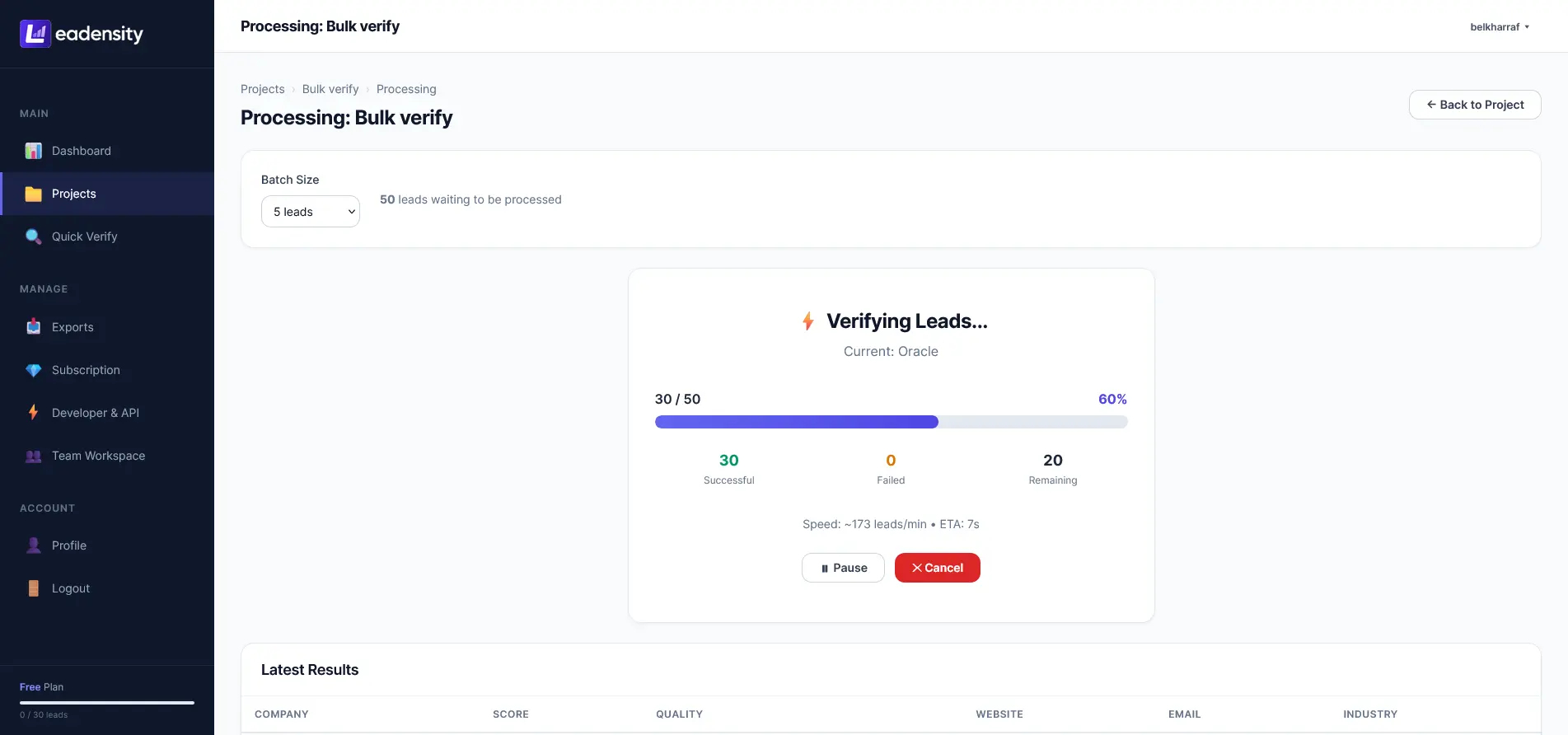
Leadensity re-engineers bulk data cleansing using Client-Side Browser AJAX Micro-Batching. Rather than executing a massive monolithic batch on a single web server thread, large files are streamed into client-side queues and dispatched in lightweight micro-batches of 10 to 25 leads per request:
- Sub-second burst requests: Each micro-batch completes in 600ms to 1,200ms, completely avoiding proxy 30-second execution caps.
- Dynamic thread throttling: The client automatically slows down or speeds up concurrent dispatches based on server response latency.
- Zero server memory spikes: Stream parsing keeps backend RAM utilization under 40MB regardless of CSV file size.
8. Bi-Directional CRM Synchronization: HubSpot, Salesforce, and PostgreSQL
An enrichment pipeline is only as effective as its integration into your operational database. Leadensity REST API and Webhooks easily bridge into enterprise CRM systems:
9. Security, Rate Limiting, and Zero-Third-Party AI Token Privacy
Data privacy and compliance are paramount when routing enterprise prospect data. Traditional platforms that send lead records to commercial LLM APIs violate corporate data residency standards and accumulate massive per-token fees.
Leadensity guarantees complete compliance through its In-Browser Local AI Engine. Neural synthesis executes client-side using SmolLM2-360M-Instruct via WebGPU and WebAssembly. No prospect PII is ever sent to external language model APIs. Furthermore, the Leadensity REST API enforces strict TLS 1.3 encryption, IP-based rate limiting, and zero third-party data reselling.
10. In-House Scrapers vs. Legacy Data APIs vs. Leadensity
To evaluate the architectural trade-offs between custom in-house scrapers, legacy static databases, and the Leadensity unified engine, review the comparative matrix below:
11. Frequently Asked Questions (FAQ)
How fast is the Leadensity single verification API?
For synchronous requests to /api/v1/verify, full 10-point technical validation (including DNS query, SMTP socket handshake, and web SSL audit) completes in an average of 450ms to 850ms, making it ideal for real-time form submission gating.
What technologies can the API automatically detect?
The technographic detection engine passive crawler identifies hundreds of modern B2B software signatures including Shopify, WooCommerce, Stripe, PayPal, HubSpot, Salesforce, Intercom, Segment, Google Analytics 4, and Cloudflare.
How does Leadensity eliminate AI API token bills?
Instead of proxying prospect text to OpenAI or Claude, Leadensity executes local neural inference inside the client web browser using SmolLM2-360M-Instruct via WebGPU and WebAssembly. You get real-time lead summaries and conversation hooks with zero external token expenses.
What happens if an external target mail server is slow or non-responsive?
The Leadensity verification engine enforces strict socket timeouts (typically 4.0 seconds). If a remote mail server tarpits or fails to respond, the engine records a timeout warning, calculates risk accordingly, and prevents pipeline hanging.
12. Final Verdict and Developer Implementation Checklist

Strategic Recommendation: Automate Your Ingestion Pipeline
Manual spreadsheet verification is the single greatest drag on modern outbound sales efficiency. By deploying a real-time enrichment pipeline using Leadensity REST APIs and Webhooks, engineering teams eliminate bad data at the point of capture, protect email deliverability, and arm SDRs with actionable technographic intelligence instantly.
Your 5-Point Developer Implementation Checklist:
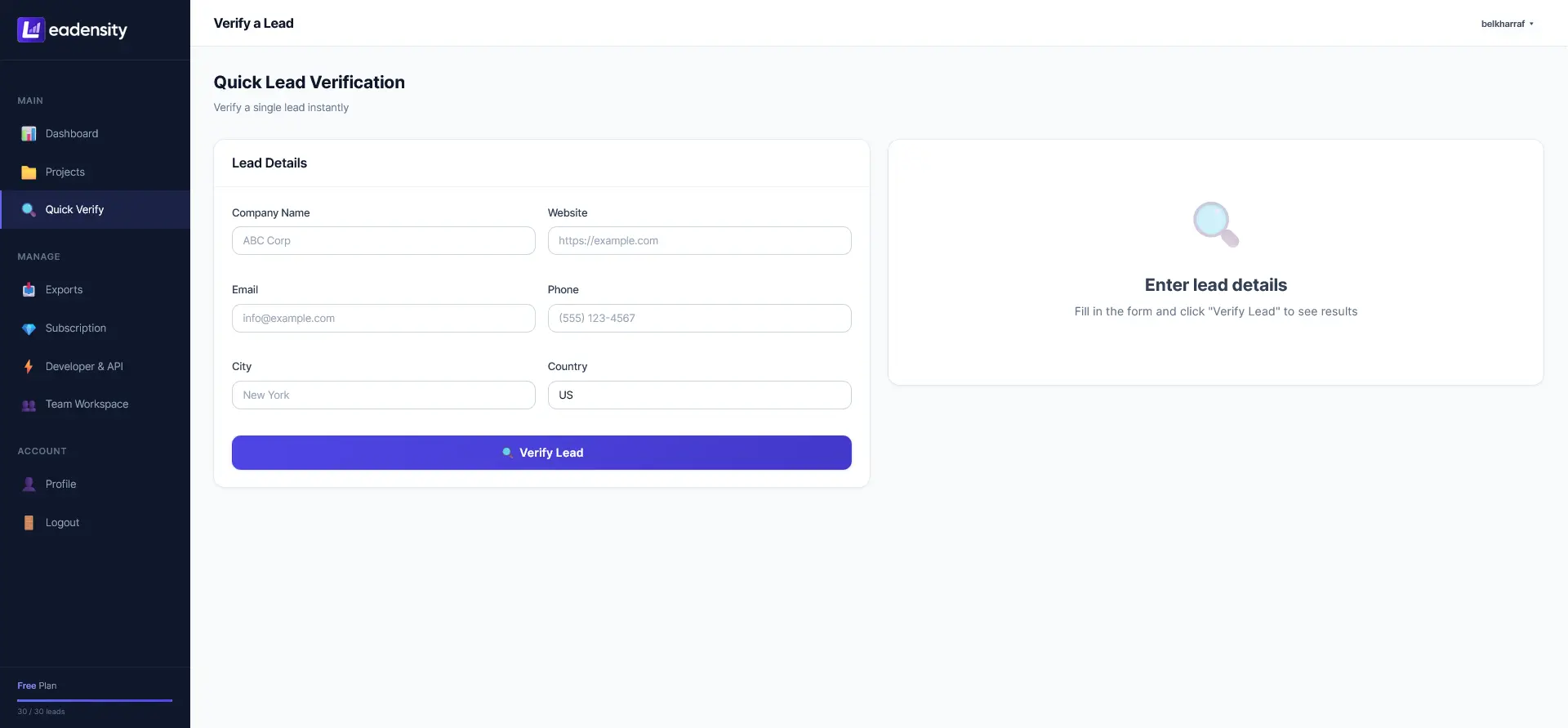
- Generate API Keys: Obtain your developer API key from your Leadensity settings.
- Implement Form Interceptor: Wire the
/api/v1/verifyendpoint into your lead capture routes. - Subscribe to Webhooks: Configure a secure webhook listener for asynchronous event delivery.
- Map CRM Properties: Append
lead_scoreandtechnographicsto your CRM contacts. - Deploy Waterfall Gating: Automatically route Tier 1 leads (≥90) to instant sales queues.
Build Your Lead Enrichment Pipeline Today
Automate 10-point deliverability validation, technographic detection, and in-browser AI scoring. Integrate in minutes with Leadensity REST API.
Get Your API Key →Instant API access. Sub-second response times. Complete documentation and SDKs included.